
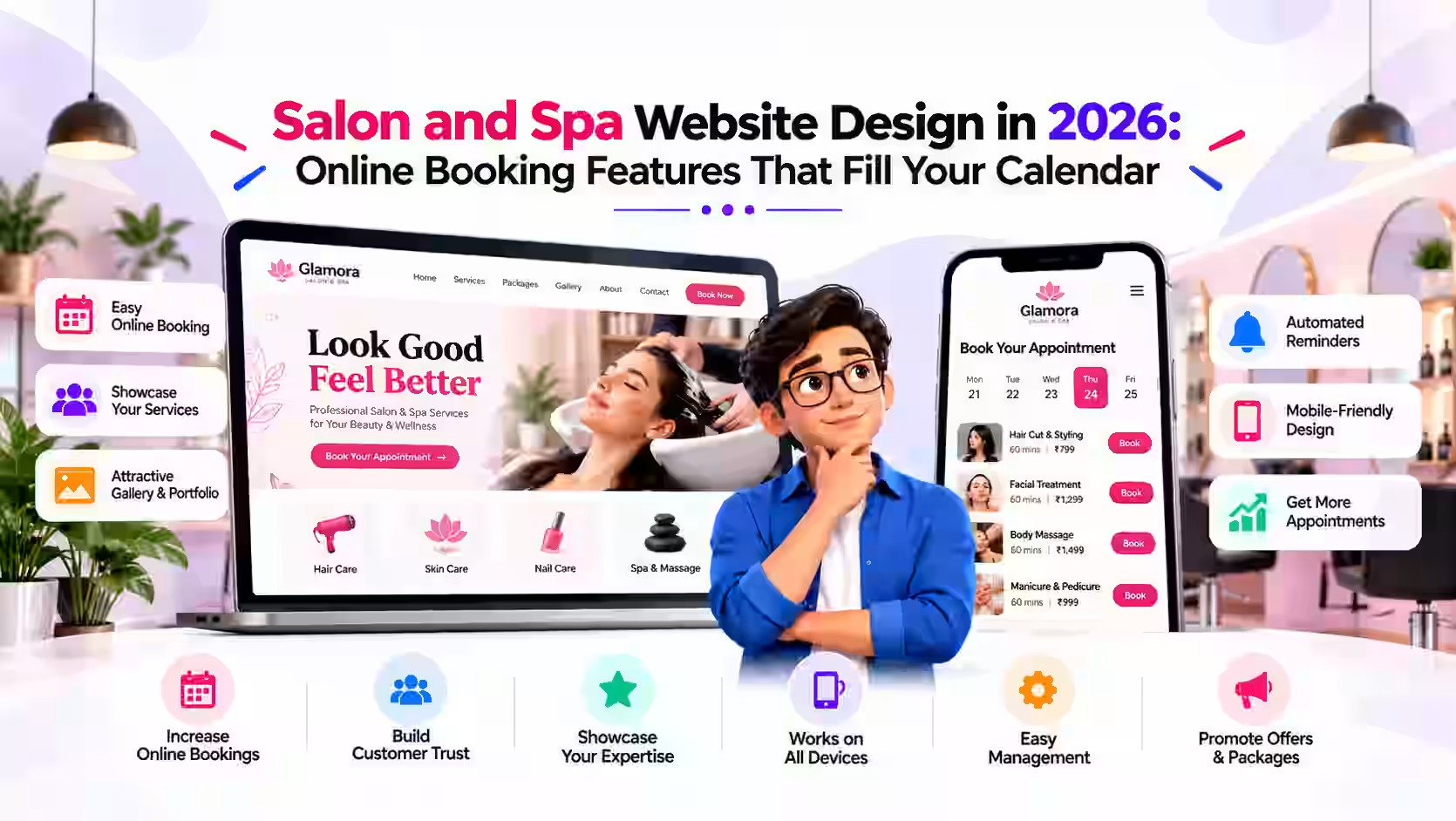

For a salon, spa or barbershop, the phone ringing in the middle of a haircut is a familiar problem. You can't pick up, the caller hangs up, and often they book with whoever answers first. A well-built salon website with online booking fixes that. It takes appointments around the clock, shows off your work, and helps new clients find you on Google. This guide covers the features that actually matter for salon and spa websites in 2026, whether you run a single chair in Toronto or a multi-location spa in Dubai.
Why Salons Need More Than a Social Media Page
Instagram and Facebook are great for showing your work, but they aren't built for bookings, and you don't control them. Algorithms change, accounts get restricted, and posts get buried. Your website is the one place online that you fully own. It's where you can list every service with clear prices, take bookings without back-and-forth messages, and give Google the information it needs to show you in local searches like "hair salon near me" or "nail salon in Manchester".
Think of social media as the shop window and your website as the front desk. Both matter, but only one can confirm an appointment while you sleep.
Must-Have Features for a Salon or Spa Website
1. Online Booking That Takes Under a Minute
Online booking is the single most valuable feature for a salon site. Clients should be able to pick a service, choose a stylist or therapist, see open time slots and confirm, all from their phone. Keep the steps short. Every extra form field is a chance for someone to give up.
Good booking setups also include:
- Automatic email or SMS confirmations and reminders to reduce no-shows
- Buffer times between appointments so your team isn't rushed
- Optional deposits for long or high-value services such as colour treatments or bridal packages
- Easy rescheduling and cancellation links that follow your policy
2. A Clear Service Menu With Prices
Many clients want to know roughly what they'll pay before they book. List your services by category, such as cuts, colour, treatments, nails, massage and facials, with starting prices and typical durations. If prices depend on hair length or stylist level, say so. Being upfront builds trust and saves your team from answering the same questions all day.
3. A Portfolio Gallery
Beauty is visual. A clean gallery of your real work, organised by service type, does more selling than any paragraph of text. Use your own photos rather than stock images, and keep them compressed so the page still loads quickly on mobile data.
4. Team Profiles
Clients often book a person, not just a salon. Short profiles with a photo, specialities and a "Book with this stylist" button make it easy for regulars to stay loyal and for new clients to find the right fit.
5. Mobile-First Design
Most people looking for a salon are on their phone, often searching on the go. Your site needs large tap targets, readable text without zooming, a visible "Book Now" button on every page, and click-to-call and map links. If booking feels awkward on a phone, it will cost you appointments.
6. Gift Cards and Packages
Selling gift cards and service packages online adds revenue without extra chair time, especially around holidays like Christmas, Valentine's Day, Mother's Day and Eid. Even a simple purchase page can make a noticeable difference during peak seasons.
Local SEO: Getting Found by Nearby Clients
A beautiful site won't help if no one finds it. Salons compete mostly on local search, so a few basics go a long way:
- Service and location in page titles, for example "Balayage and Hair Colour in Brighton".
- A separate page for each main service so you can rank for specific searches like "eyelash extensions" or "deep tissue massage".
- Consistent name, address and phone number on your site, your Google Business Profile and directories.
- An embedded map and opening hours on your contact page.
- Fast loading pages, since speed affects both rankings and how many visitors stay.
- Encouraging genuine Google reviews from happy clients, and linking to your review profile from your site.
If you have more than one location, give each one its own page with its own address, hours, team and booking link.
Common Mistakes to Avoid
- Sending clients to a booking app with no website behind it. Third-party booking pages are useful, but they don't build your own search presence. Ideally, booking sits inside or alongside your own site.
- Hiding prices completely. "Call for pricing" puts people off. Starting prices are usually enough.
- Heavy, slow image galleries. Uncompressed photos can make a site crawl on mobile.
- Outdated information. Old prices, former staff or wrong holiday hours quickly erode trust.
- No clear next step. Every page should make it obvious how to book.
What About Privacy and Payments?
If you collect client details or take deposits online, use a secure (HTTPS) site and a reputable payment provider. Clients in the EU and UK are covered by GDPR, so include a clear privacy policy explaining what data you collect and why. In other regions, similar privacy rules may apply, so it's worth checking local requirements. A good developer will build these basics in from the start.
How Much Does a Salon Website Cost?
Costs vary with the number of pages, the booking system you choose and any extras such as gift card sales or multiple locations. A focused site with a handful of pages, a service menu, a gallery, a contact form and a booking integration doesn't need a huge budget. What matters most is that it loads quickly, works well on phones and makes booking effortless.
Ready to Fill Your Calendar?
Fevoff Industries builds fast, mobile-friendly websites for salons, spas, barbershops and other service businesses worldwide. Our websites start from $1,000 and include up to 5 pages, a contact form, basic SEO and 30 days of support after launch. We can also connect the booking tool you already use or help you choose one.
Want a site that books clients while you work? Contact Fevoff Industries today to talk about your salon website.