
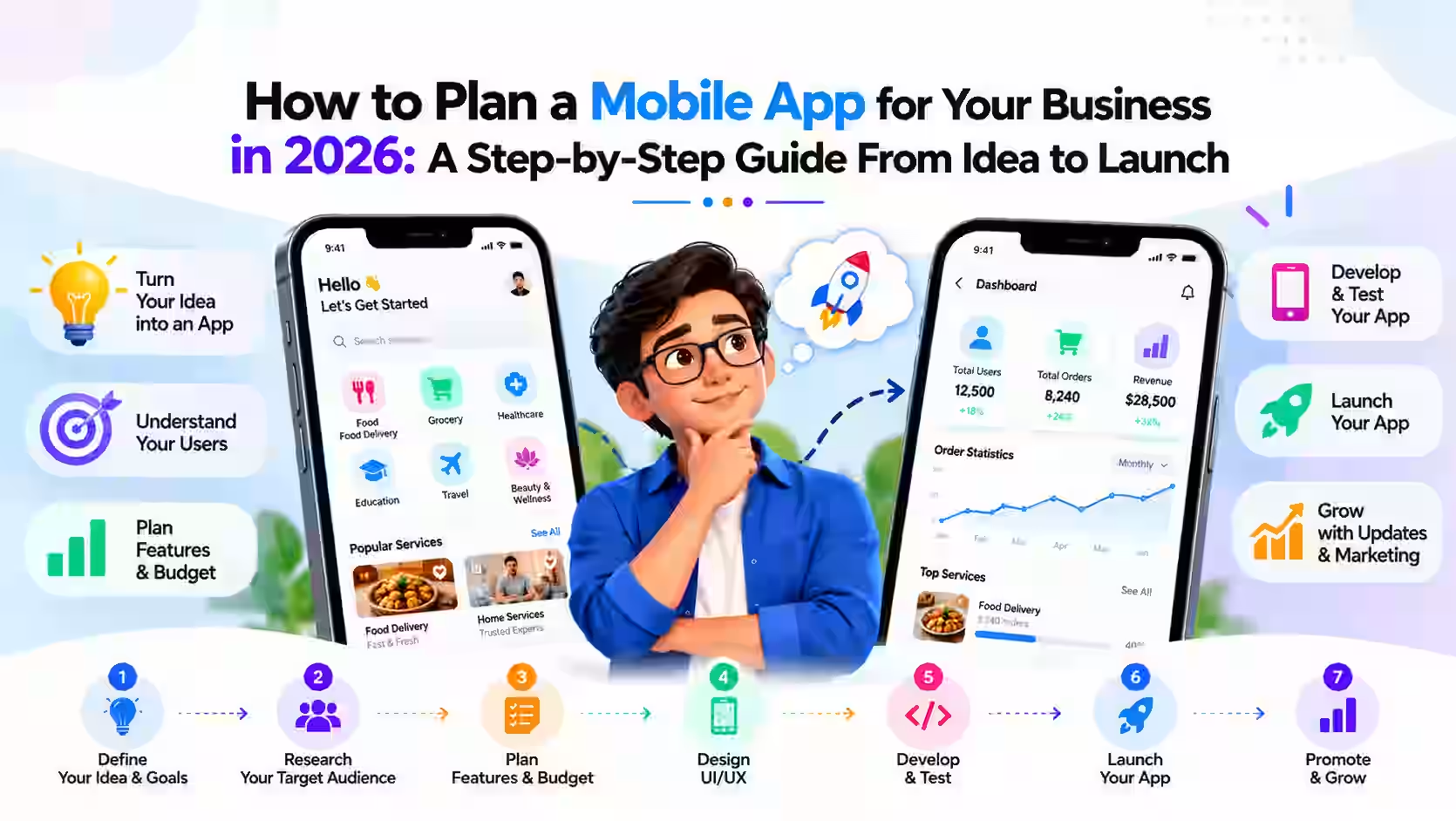

Plenty of business owners have an app idea: a loyalty app for a café chain, a booking app for a cleaning company, a customer portal for a logistics firm. The hard part isn't the idea. It's knowing where to start, what to build first and how to avoid spending months on features nobody uses. This step-by-step guide walks through how to plan a mobile app for your business in 2026, from first idea to launch, in plain language.
Step 1: Start With the Problem, Not the Features
Before thinking about screens or technology, write down the problem your app will solve and who it's for. A useful test is to finish this sentence: "Our app helps [type of user] to [do something] so that [benefit]."
For example: "Our app helps regular customers reorder their usual meal in two taps so they come back more often." A clear statement like this keeps every later decision focused and makes it much easier for a development team to give you an accurate estimate.
Step 2: Ask Whether You Need an App at All
This sounds odd coming from a development company, but it saves money. Some goals are better served by a mobile-friendly website or a web application that works in any browser. A native app makes the most sense when you need:
- Push notifications to bring users back
- Access to phone features such as the camera, GPS or Bluetooth
- Offline use, for example for field staff with patchy signal
- Frequent, repeat use by the same customers or employees
If your users will visit occasionally, a fast website may do the job for far less. If they'll use it weekly or daily, an app can be worth it.
Step 3: Define Your Minimum Viable Product (MVP)
An MVP is the smallest version of your app that solves the core problem well. It's not a cheap or broken version. It's a focused one. List every feature you can imagine, then sort them into three groups:
- Must have: the app is pointless without it.
- Should have: valuable, but users can manage without it at launch.
- Nice to have: ideas to revisit once real users give feedback.
Build only the first group for version one. Launching sooner means you learn from real customers instead of guessing, and you avoid paying for features that turn out not to matter.
Step 4: Choose Your Platforms and Approach
iOS, Android or Both?
Your audience decides this. iPhone use tends to be higher in some markets, such as the US, while Android is more common in many others. If you're unsure, look at your website analytics to see which devices your current visitors use.
Native or Cross-Platform?
Native apps are built separately for iOS and Android. They can offer the best performance and the closest fit to each platform, but you maintain two codebases. Cross-platform frameworks such as Flutter and React Native let one codebase run on both, which often reduces cost and speeds up development. For most business apps, such as booking, ordering, loyalty or internal tools, cross-platform is a practical choice. Highly graphics-intensive apps or those needing deep hardware access may still benefit from native development.
Step 5: Plan the Backend
Most business apps need more than what's on the phone. Behind the scenes there's usually:
- A database for users, orders, bookings or other records
- An admin panel so your team can manage content and customers
- Integrations with tools you already use, such as payment gateways, CRMs, accounting software or delivery services
- Secure login and data protection
The backend often accounts for a large share of the work, so make sure it's included when you compare quotes.
Step 6: Design for Real Users
Good app design is about making common tasks effortless. Wireframes, which are simple sketches of each screen, let you test the flow before any code is written. Show them to a few real customers or staff and watch where they get confused. Fixing a sketch costs almost nothing compared with changing finished code.
Step 7: Build, Test and Iterate
Development usually happens in short cycles, with working builds you can try on your own phone along the way. Ask for regular demos rather than waiting until the end. Testing should cover different screen sizes, older and newer phones, slow connections and edge cases like failed payments.
Step 8: Launch on the App Stores
Publishing requires developer accounts with Apple and Google, store listings with screenshots and descriptions, and a privacy policy. Apple in particular reviews every app before it goes live, so build some time into your plan. If your users are in the EU or UK, make sure your data handling follows GDPR, and check local privacy rules in other regions too.
Step 9: Plan for Life After Launch
An app is never truly finished. Operating systems update every year, users will request features and bugs will surface. Budget for ongoing maintenance and use analytics to see which features people actually use. That data should guide version two.
What Affects the Cost of a Business App?
The main cost drivers are the number of features, the number of platforms, the complexity of the backend and integrations, and the level of design polish. A tightly scoped MVP is the best way to keep the first version affordable and get to market quickly.
Start Smart With Fevoff Industries
Fevoff Industries helps businesses worldwide plan and build mobile apps, web applications and custom software. Not ready for an app yet? We also build fast, professional websites starting from $1,000, including up to 5 pages, a contact form, basic SEO and 30 days of support, which is often the right first step before an app.
Have an idea you want to scope out? Contact Fevoff Industries and we'll help you work out the right first version for your business.