
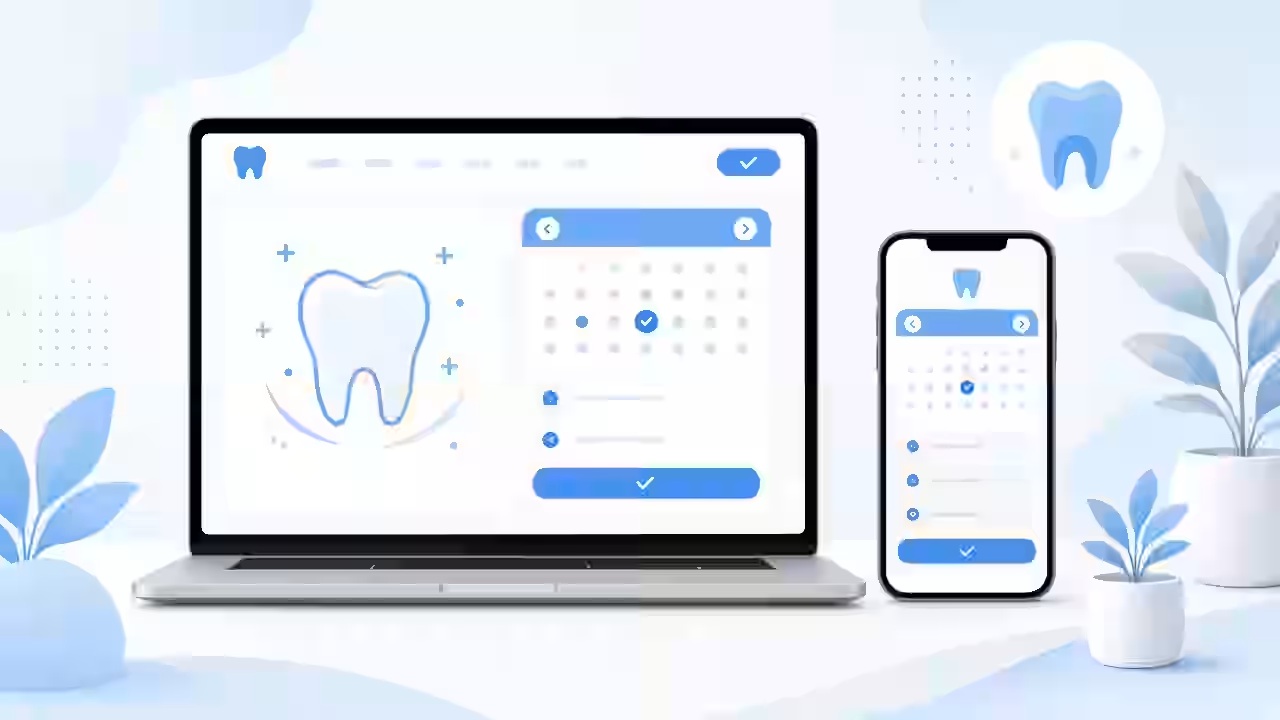

For most people, finding a new dentist starts on a phone. They search, compare a few clinics, glance at reviews, and decide within minutes whether to book or keep scrolling. Your website is often the deciding factor. In 2026, a dental clinic website needs to do far more than list opening hours. It has to load quickly, answer the questions patients actually ask, build trust before the first visit, and make booking effortless. This guide walks through the features that matter most for turning visitors into new patients.
Online Booking That Removes Friction
If a patient has to call during business hours to book a cleaning, many will simply choose a clinic that lets them book online. Online scheduling is no longer a nice extra; patients expect it.
What good dental booking looks like
- Visible everywhere: a "Book Appointment" button in the header and repeated on every service page.
- Appointment types: let patients choose between check-ups, emergency visits, whitening consultations, or new patient exams so your front desk can plan correctly.
- Real availability: connect the booking tool to your practice management software where possible, so patients only see slots that are actually open.
- Confirmations and reminders: automated email or text reminders reduce no-shows and save staff time.
- A fallback: a tap-to-call button for patients who still prefer to speak to someone, especially for emergencies.
Mobile Speed and Usability
Most dental searches happen on phones, often while someone is in pain or on a short break. A slow or awkward mobile site loses those patients quickly.
Practical speed improvements
- Compress and properly size images, especially large hero photos of your clinic and team.
- Use modern image formats and lazy-load images below the fold.
- Limit heavy plugins, sliders, and third-party scripts that add little value.
- Choose reliable hosting with caching and a content delivery network.
- Test regularly with Google PageSpeed Insights and fix the Core Web Vitals issues it reports.
Mobile-first design details
Buttons should be large enough to tap easily, phone numbers should be clickable, and your address should open directly in a maps app. Keep forms short on mobile and avoid pop-ups that cover the screen.
Trust Pages That Reassure Nervous Patients
Many people feel anxious about visiting the dentist. Your website can ease that anxiety before they ever walk in the door.
Pages every clinic should have
- Meet the Team: real photos of your dentists, hygienists, and front desk staff, with qualifications, professional memberships, and a short personal note.
- About the Clinic: photos of your reception, treatment rooms, and equipment so patients know what to expect.
- Reviews: display genuine reviews from Google or other platforms, and link to your review profiles.
- Anxious patients page: explain sedation options, how you handle nervous patients, and what happens at a first visit.
- Emergency dentistry: clear guidance on what counts as an emergency and how quickly patients can be seen.
Authenticity matters here. Stock photos of perfect smiles rarely build the same trust as real images of your actual clinic and team.
Insurance, Pricing, and Payment Pages
Cost is one of the biggest questions on a patient's mind, and one of the most commonly avoided topics on dental websites. Being transparent helps you stand out.
- Insurance accepted: in the US, list the insurance providers you work with. In the UK, clarify NHS and private options. In other markets, explain how local insurance or health funds work with your clinic.
- Price guides: where regulations and your business model allow, publish starting prices or price ranges for common treatments.
- Payment plans: explain financing options, membership plans, or staged payments for larger treatments like implants or orthodontics.
- FAQs: answer questions such as "Do you accept new patients?" and "What if I don't have insurance?"
Local SEO for Dental Clinics
Patients usually search for a dentist near them, so local visibility is essential.
Core local SEO steps
- Google Business Profile: complete every section, choose accurate categories, add photos, and keep hours updated, including holidays.
- Consistent NAP: make sure your name, address, and phone number match across your website, directories, and social profiles.
- Service pages: create a dedicated page for each key treatment, such as implants, Invisalign, whitening, and children's dentistry, rather than one long list.
- Location pages: if you have multiple clinics, give each location its own page with unique content, directions, and team details.
- Schema markup: use Dentist or MedicalBusiness structured data to help search engines understand your address, hours, and services.
- Reviews: ask satisfied patients for reviews and respond professionally to all of them.
Privacy-Aware Forms: HIPAA and GDPR Considerations
Dental websites often collect sensitive information through contact forms, booking tools, and new patient intake forms. Handling that data carefully protects patients and your practice.
General best practices
- Collect only what you genuinely need on a general contact form. Avoid asking for detailed medical history on basic enquiry forms.
- Use HTTPS across the entire site.
- For forms that collect health information in the US, use tools and vendors that support HIPAA requirements and will sign the appropriate agreements.
- For patients in the UK and EU, follow GDPR principles: clear consent, a readable privacy policy, and a lawful basis for processing data.
- Be careful with tracking scripts on pages or forms that handle health information.
- Get advice from a qualified compliance or legal professional for your specific situation.
This is general guidance, not legal advice, but building with privacy in mind from day one is far easier than fixing it later.
Content That Answers Patient Questions
A helpful blog or resource section can attract patients searching for answers, such as what to do about a chipped tooth or how long whitening lasts. Write in plain language, link to relevant service pages, and include a booking prompt at the end of each article. Useful content also supports your local SEO over time.
Accessibility and Clear Navigation
Your patients include older adults, people with visual impairments, and parents booking for children. Use readable font sizes, strong color contrast, descriptive link text, and alt text on images. Keep navigation simple: Services, About, Fees, New Patients, Contact, and a prominent Book button usually cover what patients need.
Build a Dental Website That Works as Hard as You Do
A modern dental website combines fast mobile performance, easy booking, honest pricing information, trust-building content, and solid local SEO, all while handling patient data responsibly. Getting these elements right helps your clinic turn more searches into booked appointments.
At Fevoff Industries, we design and build websites for small businesses and clinics across the US, UK, Canada, Australia, UAE, and EU, with websites starting at $1,000. We can also help with booking integrations, custom software, and mobile apps as your practice grows.
Ready to bring in more new patients? Contact Fevoff Industries today to discuss your dental clinic website.